

Sample response
This sample JSON response is sent to an API/webhook destination:Import complete webhook
Optionally, subscribe to the import complete event webhook on the sheet settings page. This webhook fires when CSVbox completes the import process for any user. Here is an example of the JSON that could be sent to your webhook endpoint:Data on the client side
You can also receive the entire CSV data in JSON format inside thedata object of the callback function.
To receive the CSV data in the callback function, activate this option on the sheet Destination page.
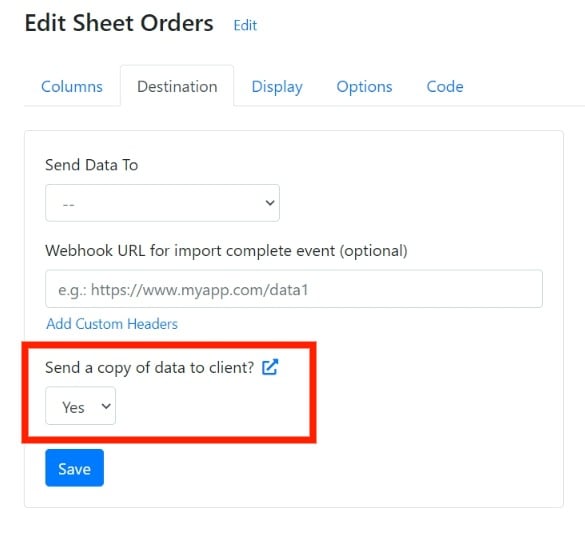
rows property of the data object. For example:
Next steps
Destinations
Choose where CSVbox sends the imported data.
2. Install Code
Review the importer options, events, and callback function.